How to fix a WordPress page without an H1 heading
Most WordPress themes show the page's title as its H1, its main heading. A page has none when the theme hides the title, or when the page starts with a Heading 2. Show the title again, or make the first heading of the page a Heading 1 in the editor.
Rather see it on your own site? Run the free check-up.
Why the main heading matters
The main heading tells visitors and search engines what the page is about. People who use a screen reader often jump from heading to heading, starting with the H1. One is enough: the title of the page, then Heading 2 for its sections.
How to check a page
Open the page on your site, right-click its big title and choose Inspect: your browser shows the tag, h1 or something else. Or choose View page source and search for <h1.
The usual reasons for a page without one:
- the theme, or a "hide title" setting, hides the page's title, often on the home page;
- the page starts with a heading set as Heading 2, or as bold text;
- the page has no title at all.
How to fix it in WordPress
To make your first heading the main one, in the block editor:
- Open the page in the editor.
- Click the heading at the top of your content.
- In the toolbar above it, click its level (H2) and choose H1.
- Save the page.
In the Classic editor, select the heading and choose Heading 1 in the list of formats. If your theme hides the title, turning that setting off gives the page its H1 instead. Either way, check afterwards that the page has only one.
How LaminarFlow does it
- Free check-up
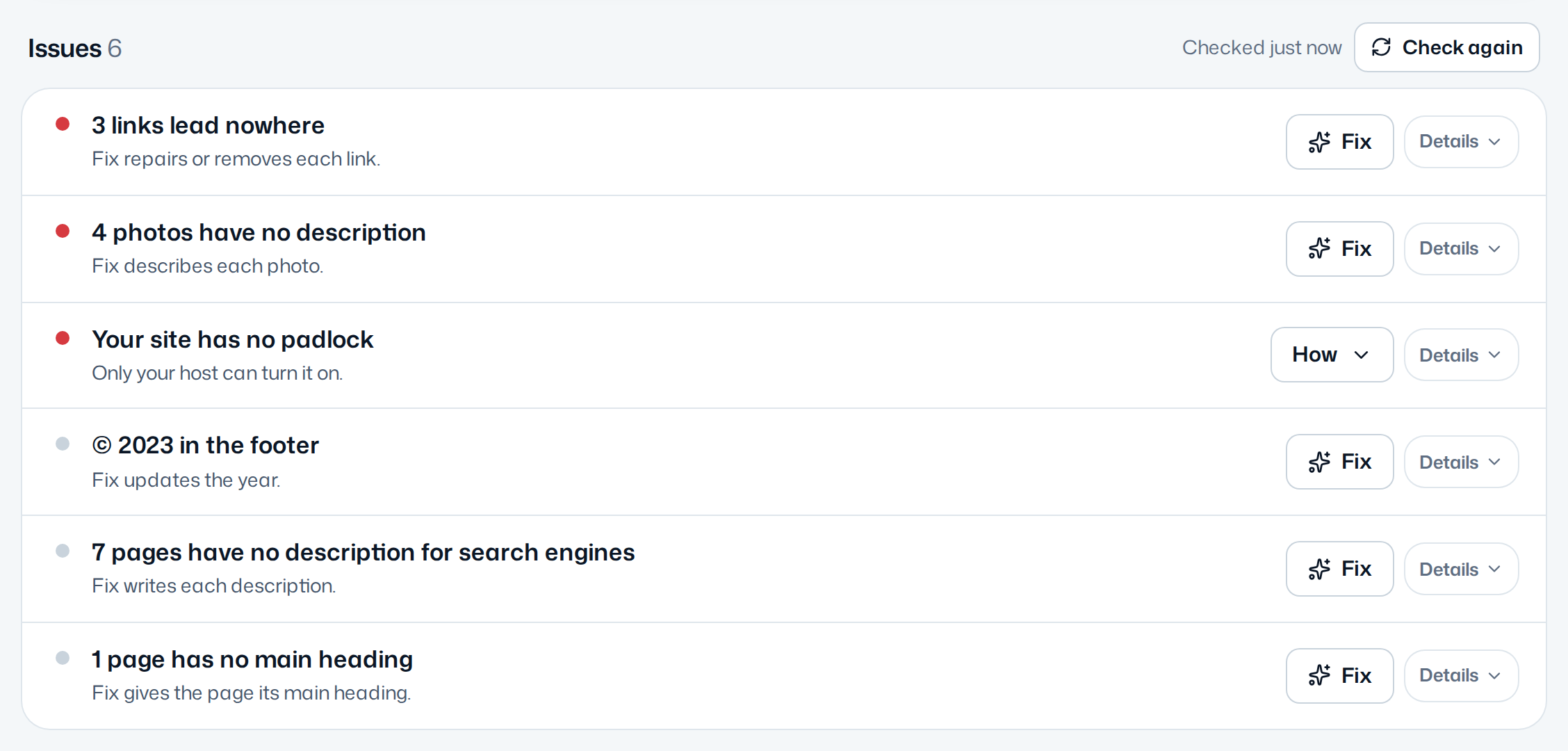
- Reads each page as a visitor sees it, theme included, and lists the pages without a main heading.
- The fix
- Connect your WordPress site to Autopilot, which takes about a minute. Where a page starts with a heading you wrote as a Heading 2, Fix makes it the main heading: its words stay, only its level changes. A page without a title gets one in the same draft, so your menus never show "(no title)". Autopilot never adds a heading you did not write: when a page has none it can raise, its row gives you the step in WordPress.
- Your OK
- Each fix waits in your inbox as a draft, before and after. Nothing changes on your site before you approve it, and every change keeps an Undo for 60 days.
- Cost
- This fix never uses an AI fix, during the free trial or after it.
Every detail, in the documentation: Main headings.
Questions
Is the page title the same as the H1?
Usually. Most themes show the title you type at the top of the editor as the page's H1. The SEO title, which search results show, is another thing, set in your SEO plugin.
Is it a problem to have two H1 headings?
Search engines cope with it, but one main heading is clearer for visitors and for screen readers. Keep the title as the H1 and use Heading 2 for the sections of the page.
Will Autopilot rewrite my headings?
No. It changes the level of a heading you wrote, never its words, and never adds a heading you did not write. This fix uses no AI fix.